

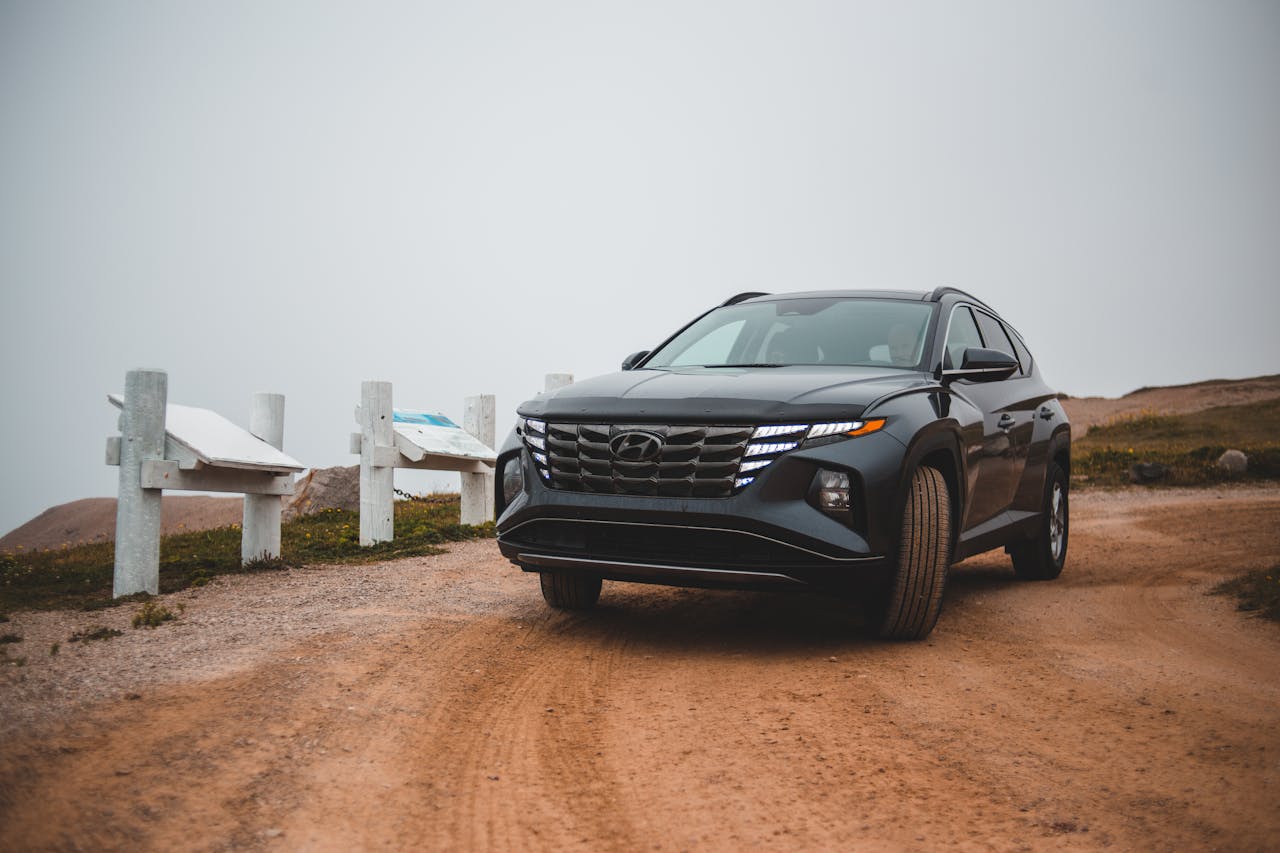
When Smart Cruise Control Does Not Feel So Smart
Hyundai Smart Cruise Control is supposed to make your drive easier. You set your speed, pick your following distance, and let the car help with the gas and brakes while you stay in charge. But on Sunrise Highway or the Southern State Parkway around West Islip, it can sometimes feel like the system has a mind of its own.
You might be cruising along smoothly when traffic suddenly bunches up, a car cuts in front of you, and your Hyundai brakes harder than you expected. Other times, it might not slow down as quickly as you thought it would. That jumpy feeling can make you wonder if something is wrong, or if you are using it the right way.
We want to explain why Hyundai Smart Cruise Control in West Islip can feel unpredictable at times, especially when traffic patterns change from spring into summer. We will walk through how the system works, what can confuse it on local roads, and how to adjust your settings so it feels smoother and more comfortable for everyday driving.
How Hyundai Smart Cruise Control Really Works
Smart Cruise Control uses radar and sometimes cameras to watch the road ahead. These sensors look for vehicles in your lane, measure how far away they are, and track their speed. Then your Hyundai gently adds or releases the throttle and can apply the brakes to keep the gap you selected.
Traditional cruise control only holds a steady speed. If traffic slows, you have to tap the brakes and reset everything yourself. Smart Cruise Control does more. It can:
- Maintain a set speed when the lane is clear
- Slow down when it detects a slower vehicle ahead
- Come to a stop in certain conditions when traffic stops
- Speed back up when traffic moves again, within your set speed
On busy Long Island roads, this can be especially helpful in heavy, stop-and-go traffic. In many Hyundai models, Smart Cruise Control can also work along with other safety systems, like Lane Following Assist, to help keep you centered in your lane while managing speed.
You can usually adjust:
- Your set cruising speed
- Following distance, often in several levels from short to long gap
- Whether certain driver-assist features are turned on at the same time
Even with all this support, the system is only an assistant. It does not replace an alert driver. Your hands should stay on the wheel, your eyes on the road, and you should be ready to brake, steer, or turn off the system whenever traffic or weather changes.
Common Situations Where Smart Cruise Feels Unpredictable
Local roads around West Islip can throw a lot of curveballs at Smart Cruise Control. Some of the most common include:
- Cut-ins and sudden lane changes: On Sunrise Highway or the Southern State, drivers often slip into gaps the second they open up. When a car jumps into your lane close in front of you, your Hyundai may brake more sharply than you expect to keep distance. If that car then speeds away, your vehicle might suddenly start to speed back up.
- Hills, curves, and ramps: When the road bends or slopes, the radar and camera might not see a vehicle ahead until later. For example, coming around a curve near a ramp, the system may not catch slow traffic right away. This can lead to what feels like a late reaction or, on the other hand, an overly cautious slowdown if it is unsure what it sees.
- Merging traffic: Where lanes join, such as near exits and entrances, cars may drift partly into your lane, then back out. Smart Cruise Control can react to these vehicles even if they are not all the way in front of you yet, causing brief, unexpected braking or hesitation.
- Stop-and-go near shopping areas and beach routes: Heading toward popular spots and parkways to the beaches, traffic can move in short bursts. The system may brake, pause, and then surge forward again in a way that feels jerky, even when it is doing what it is designed to do.
Some of these behaviors are normal for how the system is built. Others, like very harsh braking or slow responses in clear situations, can be a sign that your sensors might need cleaning, checking, a software update, or a different setting that fits your style better.
Seasonal Factors That Affect Your Drive
Seasonal changes around West Islip can also affect how your Hyundai Smart Cruise Control feels. As days get longer and the sun sits at different angles, there can be more glare at certain times, especially near the water. Strong glare can make it harder for cameras to read the road and the car ahead.
Spring weather can bring quick showers, foggy mornings, and wet roads. Water, dirt, pollen, and tree debris can build up on your windshield, front grille, and bumper. This can partially block the radar or camera view and cause:
- Temporary system warnings or shutoffs
- Reduced ability to detect vehicles or lane markings
- Sudden changes in how smoothly the system reacts
Weekend and warm-weather traffic toward parks and beaches also means tighter gaps and more aggressive lane changes. Your Smart Cruise Control may feel more reactive or nervous as it keeps trying to protect your set following distance.
Construction zones that pop up more often in the warmer months can also confuse the system. Cones, temporary lane lines, and slower, uneven traffic may cause Smart Cruise Control to behave differently, turn off, or ask you to take full control.
In all these conditions, it is important to treat Smart Cruise Control as a helper. It works best when you are extra alert and ready to take over, especially when conditions keep changing quickly.
Tuning Your Smart Cruise Settings for Local Roads
You can often make Hyundai Smart Cruise Control in West Islip feel more predictable by adjusting a few key settings. Small changes can make a big difference in comfort.
For following distance:
- Use a longer gap when traffic is heavy, such as beach traffic or busy shopping hours
- Use a medium gap on steady highways where speeds are more consistent
- Avoid the shortest gap in aggressive traffic, since it can invite more cut-ins
For speed:
- Set your cruise speed close to the natural flow of traffic, not far above it
- Lower your set speed when you see frequent braking ahead
- Turn Smart Cruise off and drive manually on tight local streets, school zones, or near complex construction areas
It also helps to spend a few minutes going through your vehicle’s menus and owner’s manual. Many drivers discover settings they did not know they had, like how quickly the car should accelerate back up to speed or how the system works with lane features. Understanding these options can make the system feel more like it matches your comfort level.
When to Get a Professional Safety Check
Sometimes the issue is not just traffic or settings. It may be time to have a professional take a closer look. Warning signs include:
- Smart Cruise Control turning off often without a clear reason
- Dashboard alerts or messages about the radar, camera, or cruise system
- Braking or acceleration that feels very inconsistent in normal, clear conditions
- The system saying it is unavailable even when the weather and road are fine
A service visit can include cleaning and inspecting sensors, checking for blocked areas in the bumper or grille, running software checks, and test driving the vehicle in local-style traffic. If your vehicle has had front-end repairs, a collision, or a windshield replacement, it is especially important to get the system checked and recalibrated so it can measure distance and speed correctly again.
Keeping Smart Cruise Control in good shape also helps other advanced safety features work together properly. When everything is aligned, your Hyundai can better support you in the kind of everyday driving West Islip drivers deal with all the time.
Experience Smarter, Safer Driving Today
Explore how Hyundai smart cruise control in West Islip can make every commute more confident and less stressful. At Atlantic Hyundai, we will walk you through how this feature works in real traffic so you can see its benefits for yourself. If you have questions or want to schedule a test drive, simply contact us and our team will be ready to help.


